
• Go to content [1]
  • Go to menu [2]
  • Go to footer [3]
  • A+ | A-
  • Dark mode
  •  Accessibility [4]
  • Instagram
  • LinkedIn
  • YouTube
  • BR
  • Accessibility Menu
  • BR
Close Hand Talk
  • Home
  • For your Company
  • For You
  • About Us
  • Blog
  • Instagram
  • LinkedIn
  • YouTube
Close Hand Talk
  • Go to content [1]
  • Go to menu [2]
  • Go to footer [3]
  • A+ | A-
  • Dark mode
  • Accessibility [4]
Ir para a página inicial Menu
  • Home
  • For your Company
  • For You
  • About Us
  • Blog

Author Archives: Ana Sofia Gala

Purple background. Maya is on the center smiling and holding a microphone. Around her there are some graphics, lights and the accessibility icon.

Tips on giving an accessible presentation to reach all audiences

Cover of the article about accessibility project. Blue background. Maya is at the center holding some papers with the accessibility icon on it. Around her there are some illustrations of a corporate building, a calendar and some images.

3 key factors for creating a comprehensive accessibility project

Cover of the article "Invest in accessibility". Orange background. Maya is on the center crying. Around her, there are some illustrations: the accessibility icon with a X on it, some buildings and a computer with an alert icon on the screen.

How much do you lose by not investing in accessibility?

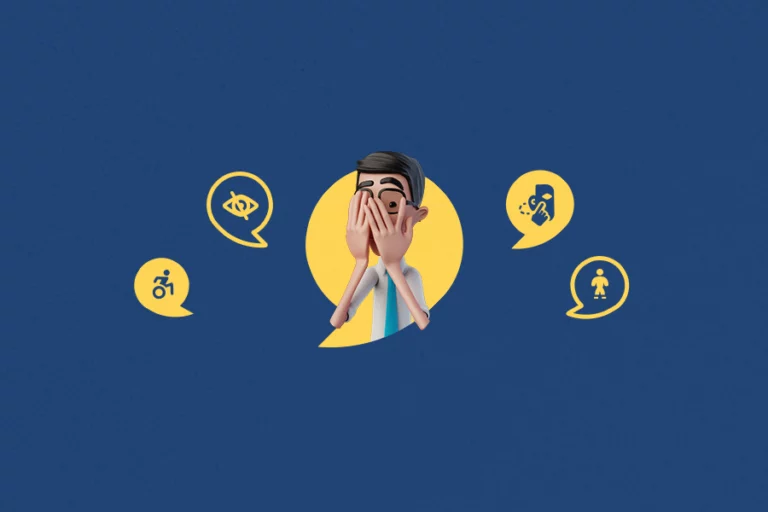
Cover of the article about ableist expressions. Dark blue background. Hugo is on the center, hiding his face behind his hands. Around him, the icons of accessibility, people with disabilities, deafness and blindness.

15 ableist expressions you should stop using right now

Cover of the article about the National Interpreter Appreciation Day. Blue background. On the center, Maya has her arms crossed and is smiling. Around her, the ASL and Libras icons, alongside the American flag and the deafness icon.

National Interpreter Appreciation Day: when it is and its importance

Cover of the article about ASL automatic translation. Purple background. On the left, there is an illustration of a webpage with a magnifying glass on it and the ASL icon next to it. On the right, Hugo is signing on a different window.

How does ASL automatic translation work?

Cover of the article about e-commerce and accessibility. Orange background. Maya is holding several bags on her arms, and is looking at a phone on her right hand. Around her, the illustration of a computer and the accessibility icon.

How to improve e-commerce sales with accessibility

Rectangular horizontal banner with a blue background. In the center, there's an illustration of Hugo, with his hand on his face and a thoughtful expression. Behind him, there's the illustration of buildings and some stacked coins.

5 questions to ask before buying digital accessibility tools

Rectangular horizontal banner with a red background. In the center, there's an illustration of Hugo, the virtual translator from Hand Talk, holding a clipboard and a pencil. Behind him is the illustration of a computer.

Accessibility in the virtual learning environment

Cover of the article about things that provide accessibility. Green background. Maya is at the center with her thumbs up. Around her, the icones for accessibility, smart homes, robots, subtitles and speech.

8 things that provide accessibility and you did not know

Cover of the article about ASL on websites. Orange background. On the center, there is an illustration of a web page with the Hand Talk Plugin opened and Hugo inside it, signing. On the left, the mouse pointer has the ASL icon.

ASL on Websites: how to include it and its importance?

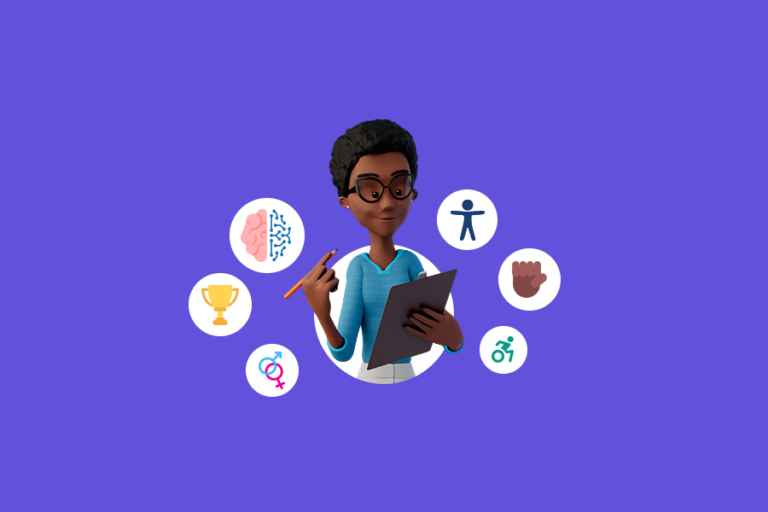
Cover of the article about diversity and inclusion trends 2024. Purple background. On the center, Maya is holding a pencil and a clipboard. Around her, some icons representing the trends, such as the accessibility icon, fight against racism and people with disabilities.

10 Diversity and Inclusion trends for 2024

Cover of the article about how to use the Hand Talk App. Orange background. On the center, Hugo is holding a phone with the Hand Talk logo and pointing to it with his other hand. Around him there are the icons for ASL and Libras, as well as the American and Brazilian flags. Beside them, there is an illustration of some books.

How to use the Hand Talk App: Sign Languages translator

Cover of the article about an inclusive workplace. Blue background. On the left, Hugo and Maya are hugging each other. Beside them, there is an illustration of a building and a briefcase. Above it there is the accessibility icon.

Accessibility and inclusion in the workplace

Cover of the article about accessibility in videos. Red background. Maya is smiling and has her index finger pointed up. Next to her there is a video player, with the audio description, Sign Language and captions icons beside it.

Accessibility in videos: importance and practical tips

Cover of the article about the Hand Talk Plugin version 9.3. Orange background. Hugo and Maya are at the center smiling. Between them there is the illustration of a computer with the Hand Talk Plugin. Above it there is the accessibility icon, with the icons of other assistive resources around it.

New Hand Talk Plugin update to version 9.3

Cover of the article about accessible graphics and tables. Green background. Hugo is standing behind a work desk. He is pointing to his right where there is the illustration of a computer. Above it, the accessibility icon. On the left, there is the illustration of a graphic.

Check out 7 tips for creating accessible graphics and tables

Cover of the article "Technology and inlcusion". Orange background. Maya is on the right side, with her arms crossed and has her hand resting on her chin, with a questioning expression. Next to her, illustrations of pencils, a computer and a construction and accessibility icon.

Technology and inclusion: importance and challenges

Cover of the article about "How were Hugo and Maya created?" Orange background. Hugo is on the left smiling and poiting up with his index finger. On the right, Maya is also smiling and poiting to Hand Talk's logo which she is holding on her other hand.

Hugo and Maya: how were the Hand Talk characters created?

Cover of the color contrast and accessibility article. Dark blue background. On the center, Hugo is holding up a magnifying glass in front of his face. Behind him there is a computer. Next to them are the color contrast icon and the accessibility icon.

Color contrast and accessibility: how to use it properly?

Cover of the article about the Hand Talk Plugin and UX. Blue background. Illustrations of computer and phone screens, in which Maya is smiling. Next to it some accessibility and UX icons.

How does the design of the Hand Talk Plugin contribute to UX?

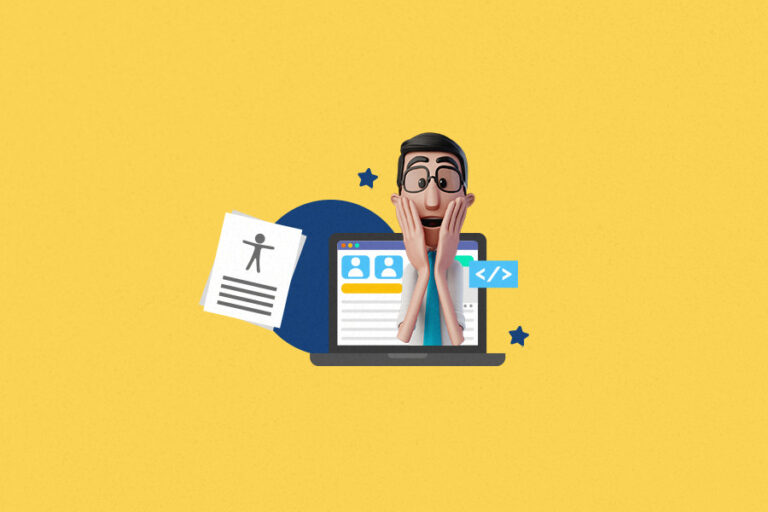
Cover of the article on how to assess website accessibility for free. Yellow background. Hugo has his hands on his face with a surprised expression. Behind him there is the illustration of a computer, and next to him a paper with written lines on it and the accessibility icon.

Website Accessibility Assessment: learn how to do it for free

Cover of the article about Machine Learning. Purple background. At the center, illustration of Hugo signing I love you in ASL. Behind him there are illustrations of a computer, some books and a technology symbol.

Machine Learning: understanding what this branch of AI is!

Cover of the article about the COGA accessibility guidelines. Dark blue background. Maya is on the left holding a clipboard and a pencil. Next to her, on the right, is a computer monitor with the accessibility icon next to it and the word "COGA".

Learn about the new COGA accessibility guidelines

Cover of the article "digital accessibility in companies". Maya is at the center holding out a laptop and smiling. Above the computer there is the accessibility icon. Behind them the illustration of some white buildings.

Digital accessibility in companies: challenges and opportunities

Cover of the blog post "market opportunities in accessibility". Pink background. Hugo is on the right side of the screen, smiling and signing. Next to him there is the accessibility icon. On the left, an illustration of a computer and a smartphone. both with the accessibility icon on their screens.

Business and Inclusion: Market Opportunities in Accessibility

Cover of the article "how to build a digital accessibility team". Lilac background. At the center there is an illustration of a webpage with four different screens on it. Each of them has a person inside of them.

How to build a digital accessibility team

Cover of the article on how to sell to people with disabilities. Maya is looking at her phone and holding multiple shopping bags on her arms. Beside her the accessibility icon and the icon of a shirt.

Check out 5 tips on how to sell to people with disabilities!

Cover of the article "Android assistive technology". Maya is smiling in front of the Hand Talk App back screen. She is holding and pointing towads the Android icon. Beside, the accessibility icon.

Android Assistive Technology: check out free services and apps!

Cover of the article "accessible pink october". There is a pink background. At the center, an illustration of a pink ribbon. Beside it there is the accessibility icon, a transgender flag and the deaf icon.

What is the role of accessibility during Pink October?

Cover of the article "impacts of artificial intelligence on web accessibility". Hugo is smiling and signing I love you. He is coming out of a computer screen. Next to it is the accessibility icon.

Impacts of Artificial Intelligence (AI) on Web Accessibility

Cover of the inclusion and seo blog post. At the center, there is an illustration of a computer with the accessibility icon on it. Around it, the icons of a megaphone, a clapperboard, a website, a target and a positive growth graph.

Digital Accessibility: Inclusion as an ally for SEO

1 2 3 Next page

Products

  • Hand Talk Plugin
  • Hand Talk App

Hand Talk

  • About Us
  • Contact

Content

  • Blog

Help

  • Acessibility
  • Support

Copyright©2026 Hand Talk. Todos os direitos reservados.

Hand Talk Tecnologia LTDA © inscrita no CNPJ/MF sob o nº 16.918.665/0001-19.

Hand Talk - feito com coração e IA
  • ícone facebook
  • ícone instagram
  • ícone linkedin
  • Ícone youtube
  • ícone facebook
  • ícone instagram
  • ícone linkedin
  • Ícone youtube

Text Size

To increase or decrease the font on our site, use the shortcuts Ctrl + (to increase) and Ctrl- (to decrease) on your keyboard.

Clique nos botões, no canto direito da tela, para testar o
Hand Talk Plugin
.

teste